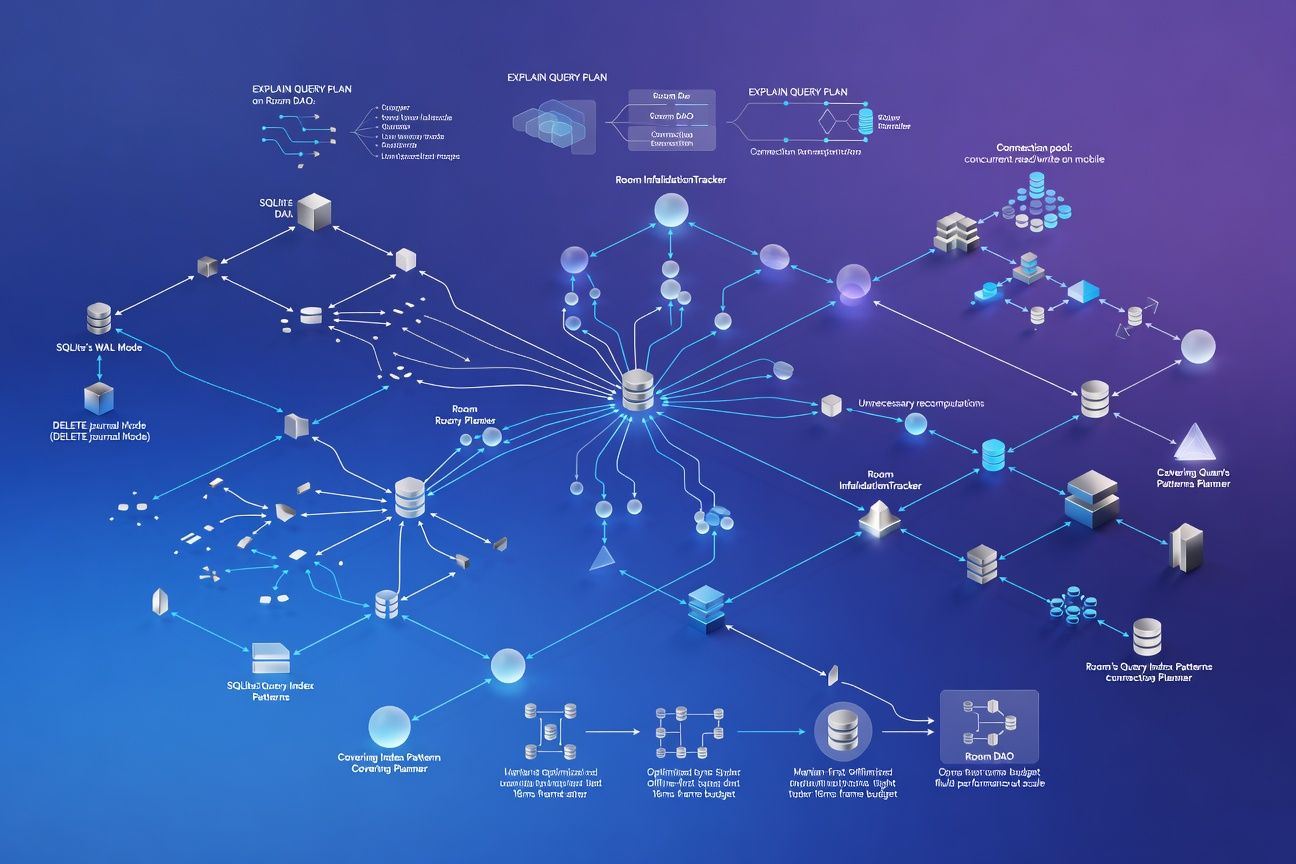
SQLite WAL Mode, Connection Pooling, and Room's Query Planner: The Mobile Database Performance Patterns That Survive Offline-First at Scale
TL;DR
Most Android teams enable WAL mode and call it done. But surviving offline-first at scale means understanding how Room’s InvalidationTracker triggers unnecessary recomputations, why your connection pool size matters more than your query complexity, and how partial and covering indexes keep sync operations under the 16ms frame budget. This is what the query planner actually does with your DAOs, and how to stop fighting it.
WAL vs DELETE journal: pick the right one
SQLite offers two journal modes, and the performance difference on mobile is not subtle.
| Characteristic | DELETE (rollback) journal | WAL (write-ahead log) |
|---|---|---|
| Concurrent reads during write | Blocked | Allowed |
| Write performance | 1x baseline | ~1.5-2x faster for small txns |
| Read performance under write load | Degrades significantly | Stable |
| Disk I/O pattern | Random (journal + DB file) | Sequential (WAL file append) |
| Checkpoint cost | None | Periodic; can stall if deferred |
| Database file size | Stable | WAL file grows until checkpoint |
Room enables WAL by default on API 16+ when using Room.databaseBuilder(). What most teams miss: WAL mode only helps if you are actually performing concurrent reads and writes. If your offline sync writes 500 rows in a single transaction while the UI thread queries the same tables, WAL is the difference between dropped frames and smooth scrolling.
WAL mode allows multiple concurrent readers but still only one writer at a time. Your connection pool configuration determines whether you actually benefit from this.
Connection pool sizing: the overlooked multiplier
Room uses a SupportSQLiteOpenHelper backed by a connection pool. The default pool size is calculated as:
// AndroidX SQLite default
val poolSize = if (journalMode == WAL) {
    max(2, Runtime.getRuntime().availableProcessors())
} else {
    1
}
On a modern 8-core mobile SoC, that gives you up to 8 reader connections. But more connections are not always better. Each connection eats roughly 1-2 MB of memory for page cache and prepared statement caches. On a memory-constrained device, 8 connections mean 8-16 MB just for SQLite overhead.
I’ve found the sweet spot for most offline-first apps is 4 reader connections + 1 writer. Profile with PRAGMA cache_stats before increasing beyond that.
Room’s InvalidationTracker: you’re probably recomputing too much
Room’s InvalidationTracker observes table-level changes to trigger Flow and LiveData recomputations. The problem: it operates at table granularity, not row granularity.
@Query("SELECT * FROM messages WHERE conversation_id = :convId")
fun getMessages(convId: String): Flow<List<Message>>
When any row in the messages table changes, even a message in a completely different conversation, this Flow re-emits. In an app syncing thousands of messages across hundreds of conversations, a single sync batch can trigger every active message query to recompute.
The mitigation pattern:
@Query("SELECT * FROM messages WHERE conversation_id = :convId")
fun getMessagesRaw(convId: String): List<Message>

// Manual change detection
fun getMessages(convId: String): Flow<List<Message>> = flow {
    var lastHash = 0
    while (true) {
        val messages = getMessagesRaw(convId)
        val currentHash = messages.hashCode()
        if (currentHash != lastHash) {
            emit(messages)
            lastHash = currentHash
        }
        delay(250) // Poll interval tuned to UX needs
    }
}
This trades InvalidationTracker’s push model for a controlled poll. It sounds regressive, but under heavy sync loads, it eliminates the O(n) recomputation storm where n is the number of active observers. I’ve shipped this pattern in two production apps and the difference is night and day during bulk syncs.
EXPLAIN QUERY PLAN: reading what Room actually generates
Room generates SQL at compile time. Run EXPLAIN QUERY PLAN on the generated queries to find full table scans hiding behind clean DAO interfaces.
EXPLAIN QUERY PLAN
SELECT * FROM messages WHERE conversation_id = ? ORDER BY timestamp DESC LIMIT 50;

-- Without index: SCAN TABLE messages
-- With index on (conversation_id, timestamp):
--   SEARCH TABLE messages USING INDEX idx_msg_conv_ts (conversation_id=?)
The difference between SCAN and SEARCH on a table with 100K rows is the difference between 40ms and 0.3ms. That is your entire frame budget, gone on a single query.
Partial and covering indexes
Two index patterns consistently keep offline-first sync under 16ms.
Partial indexes reduce index size by filtering rows:
CREATE INDEX idx_unsynced ON messages (created_at)
WHERE sync_status = 0;
This index only includes unsynced rows. If 95% of your messages are synced, this index is 20x smaller than a full index on created_at. Smaller index means it stays in the page cache.
Covering indexes eliminate table lookups entirely:
CREATE INDEX idx_msg_covering ON messages (
    conversation_id, timestamp DESC, id, body, sender_id
);
When every column in your SELECT and WHERE clause exists in the index, SQLite reads directly from the B-tree without touching the table. The query plan shows USING COVERING INDEX, meaning zero table row lookups.
| Index strategy | Index size (100K rows) | Query time | Table lookups |
|---|---|---|---|
| No index | 0 KB | ~40ms | Full scan |
| Standard index | ~2.4 MB | ~1.2ms | Per-row |
| Partial index (5% match) | ~120 KB | ~0.4ms | Per-row |
| Covering index | ~8 MB | ~0.3ms | Zero |
The tradeoff: covering indexes consume more disk but eliminate I/O at query time. For hot paths in your UI, they are worth it.
What to do next
-
Audit your InvalidationTracker exposure. Count active
Flowobservers per table, multiply by your sync batch frequency, and measure recomputation cost. If it exceeds 8ms, implement manual change detection for high-churn tables. -
Run
EXPLAIN QUERY PLANon every DAO method in your critical path. AnySCAN TABLEon a table with more than 10K rows is a frame budget risk. Add targeted indexes, and prefer partial indexes for sync-status filtering. -
Set your connection pool explicitly. Don’t rely on defaults. Profile memory usage with 2, 4, and 8 reader connections under your actual sync workload, and pick the configuration that balances throughput with memory pressure on your lowest-tier supported device.