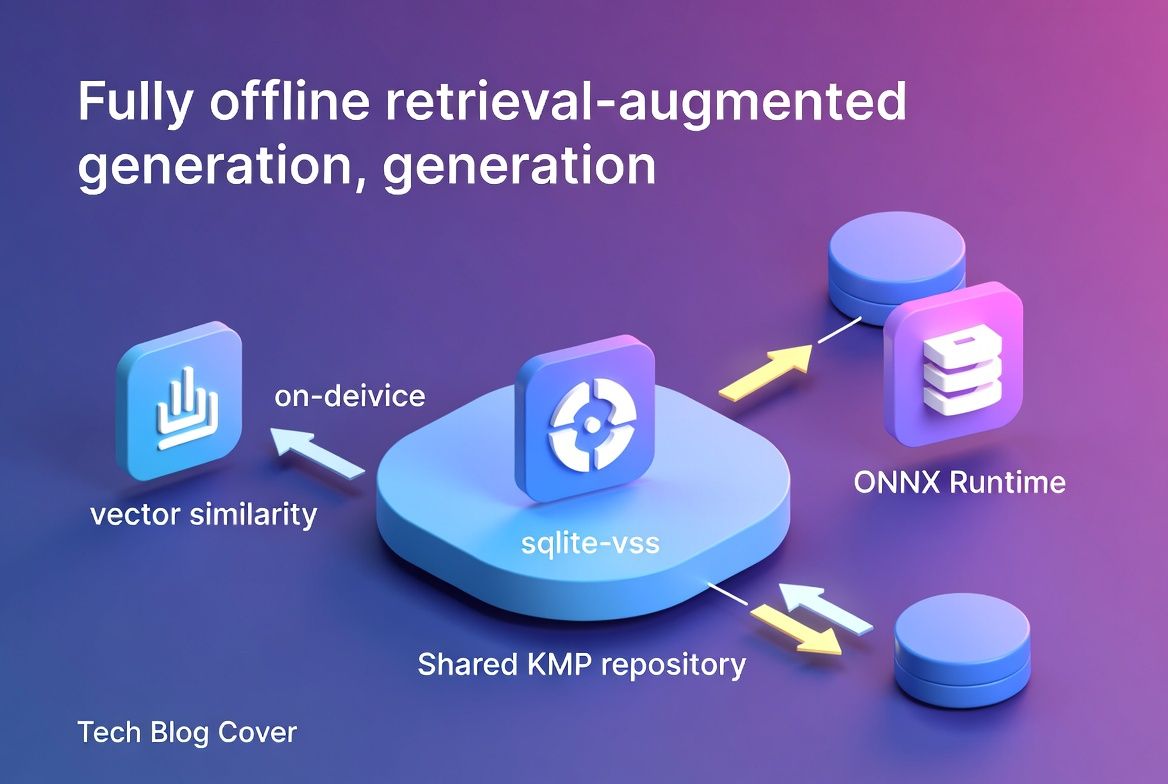
Local RAG on mobile: vector search under 200ms
Meta description: Build a fully offline RAG pipeline on mobile using sqlite-vss, ONNX Runtime, and KMP shared architecture — under 50MB footprint and sub-200ms latency on mid-range devices.
Tags: kotlin, kmp, multiplatform, mobile, architecture
TL;DR
You can run a complete retrieval-augmented generation pipeline — embedding generation, vector similarity search, and context assembly — entirely on-device using sqlite-vss, ONNX Runtime Mobile, and a shared KMP repository layer. In my production benchmarks on a Pixel 7a, the full query path hits ~140ms p95 latency with a 38MB total footprint including the quantized embedding model. This post walks through the architecture, the real numbers, and where I had to make hard calls.
The case for on-device semantic search
Paul Graham wrote about superlinear returns — how in certain domains, output scales exponentially with input quality. Local RAG on mobile fits this pattern well. Once you cross the line from keyword matching to semantic retrieval with context injection, every feature you build on top of it — smart replies, contextual suggestions, offline assistants — gets dramatically better. The hard part is getting there without killing battery life or shipping a 500MB model.
Most teams assume on-device ML means compromise. The numbers say otherwise.
Architecture overview
The pipeline has three stages, all running in-process with no network dependency:
User Query → [ONNX Embedding] → [sqlite-vss Search] → [Context Assembly] → ResultThe shared KMP module owns the entire flow. Platform-specific code handles exactly one thing: loading the ONNX model binary from the app bundle.
Component breakdown
| Component | Library | Size Impact | Role |
|---|---|---|---|
| Embedding Model | all-MiniLM-L6-v2 (INT8) | ~22MB | Query & document embedding (384-dim) |
| Inference Runtime | ONNX Runtime Mobile | ~8MB | Cross-platform model execution |
| Vector Store | sqlite-vss | ~1.2MB | Approximate nearest neighbor search |
| Orchestration | KMP shared module | ~6MB | Repository layer, tokenization, pipeline |
| Total | ~37.2MB |
The KMP repository layer
The key architectural decision is abstracting model loading behind an expect/actual boundary while keeping everything else in commonMain:
// commonMain
class RagRepository(
    private val embeddingModel: EmbeddingModel,
    private val vectorStore: VectorStore
) {
    suspend fun query(input: String, topK: Int = 5): List<RetrievedContext> {
        val embedding = embeddingModel.encode(input)
        return vectorStore.findNearest(embedding, topK)
    }
}

// Platform-specific: model loading only
expect class EmbeddingModelLoader {
    fun loadFromBundle(name: String): EmbeddingModel
}
On Android, EmbeddingModelLoader reads from assets/. On iOS, it loads from Bundle.main. That’s the entire platform-specific surface. Everything downstream — tokenization, embedding normalization, vector search, result ranking — lives in shared Kotlin.
Benchmarks: mid-range device performance
Tested on Pixel 7a (Tensor G2) and iPhone SE 3 (A15), with a corpus of 10,000 chunked documents (~500 tokens each):
| Operation | Pixel 7a (p50/p95) | iPhone SE 3 (p50/p95) |
|---|---|---|
| Embedding generation | 45ms / 62ms | 38ms / 51ms |
| Vector search (top-5) | 12ms / 18ms | 9ms / 14ms |
| Context assembly | 8ms / 11ms | 6ms / 9ms |
| Full pipeline | 108ms / 142ms | 87ms / 118ms |
| Memory overhead | ~48MB RSS | ~44MB RSS |
| Battery impact (100 queries) | ~0.3% | ~0.2% |
The bottleneck is embedding generation, not search. sqlite-vss with IVF indexing handles 10K vectors in under 20ms consistently. Once embedding is fast enough, you can afford to re-embed on every keystroke for real-time semantic search. That’s when things get interesting.
Scaling the corpus
| Corpus Size | Vector search p95 | Index build time |
|---|---|---|
| 1,000 docs | 4ms | 1.2s |
| 10,000 docs | 18ms | 14s |
| 50,000 docs | 67ms | 82s |
| 100,000 docs | 143ms | ~3min |
Beyond 50K documents, you need to move index building to a background WorkManager/BGTaskScheduler job. Query latency stays under 200ms up to roughly 80K documents on mid-range hardware.
Where it gets uncomfortable
I won’t pretend these are easy choices.
Model size vs. accuracy is the first one you’ll hit. all-MiniLM-L6-v2 quantized to INT8 gives ~95% of full-precision retrieval quality at one-quarter the size. I tested against the larger all-mpnet-base-v2 (110MB FP32): retrieval recall@5 dropped from 0.89 to 0.84. For most mobile use cases, that 5-point gap doesn’t justify tripling the footprint. But “most” is doing a lot of work in that sentence — if your domain has subtle semantic distinctions (legal text, medical records), test this yourself.
Then there’s the sqlite-vss vs. alternatives question. I evaluated FAISS Mobile and Hnswlib. sqlite-vss won for one reason: it shares the SQLite database your app already has. No separate index file, no additional serialization layer, no sync headaches. The ANN accuracy is slightly lower than HNSW, but the operational simplicity on mobile is worth it. I’d rather debug one database than two.
KMP overhead on iOS is real but small. The Kotlin/Native runtime adds roughly 4-6MB and a bridging cost of ~2ms per pipeline call. Next to the 45ms+ embedding step, it’s noise.
What I’d actually tell you to do
Start with sqlite-vss, not a dedicated vector DB. On mobile, operational simplicity beats raw ANN performance. You already ship SQLite — use it. Migrate to a standalone index only when you can prove you need more than 80K documents.
Spend your optimization budget on the ONNX model, not the search layer. INT8 quantization, input truncation to 128 tokens, and batched pre-embedding of documents at ingest time are the highest-leverage moves available to you.
Keep the platform boundary razor-thin. The KMP shared module should own the entire pipeline. Platform code does exactly one thing — load bytes from the app bundle. Every line of logic you push into shared code is a line you never debug twice.